Live scores
Game pages update as scores move so the room can follow without unlocking a phone.
Hardware
Brag Wire boards are Raspberry Pi–driven RGB LED matrix scoreboards. They sync with your group so scores, the ticker, and room energy show up on the wall — not just in a phone.
Brag Wire is not intended for gambling — friendly picks, bragging rights, and tracking with friends. No real money is placed, held, or paid out through Brag Wire.

Game pages update as scores move so the room can follow without unlocking a phone.
A dedicated ticker lane scrolls picks activity, reactions, and standings cues while the main page stays stable.
Matchups can render in team colors with win-probability styling for at-a-glance game feel.
Big moments can take over the panel briefly — graded results, reactions, and alerts — then return to the board page.
Real hardware photos plus board-display output from the Pi renderer (labeled). Personal names and balances are obscured.
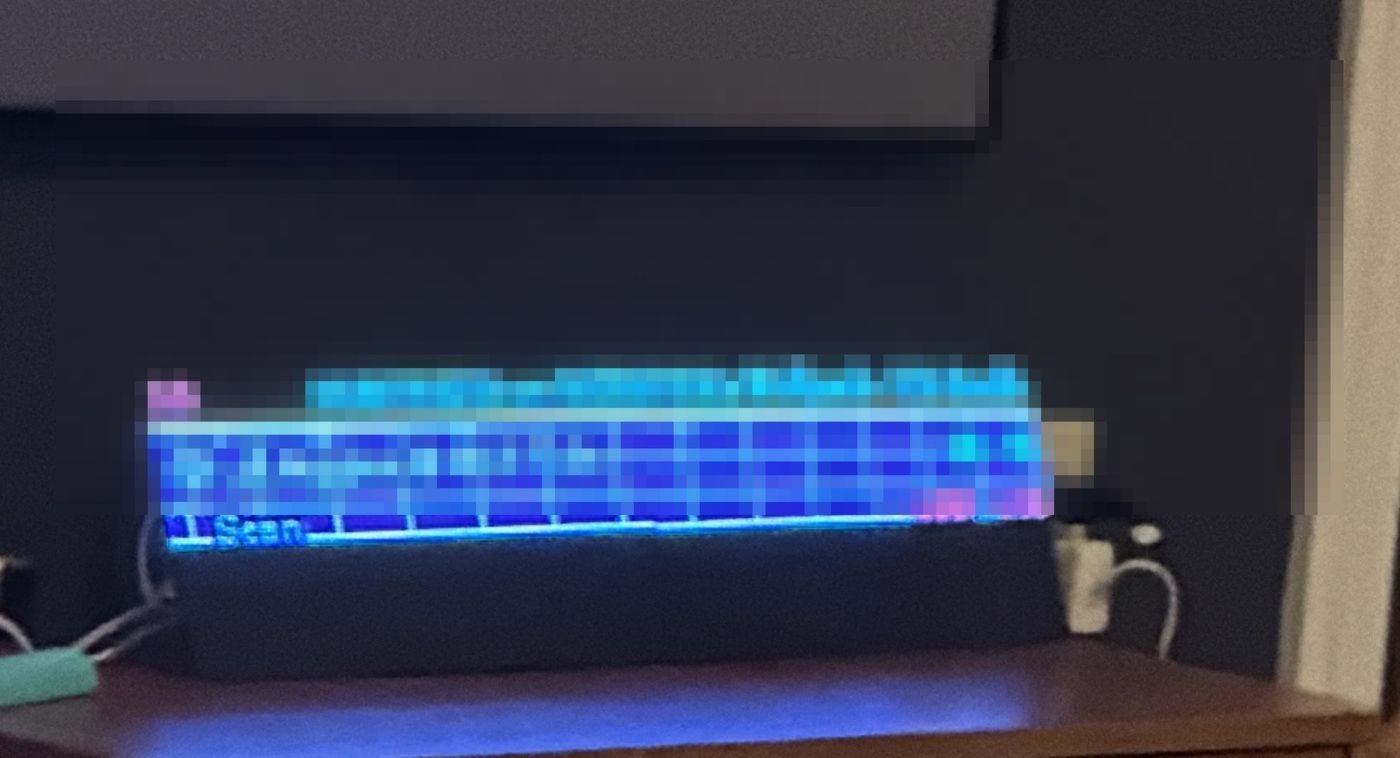
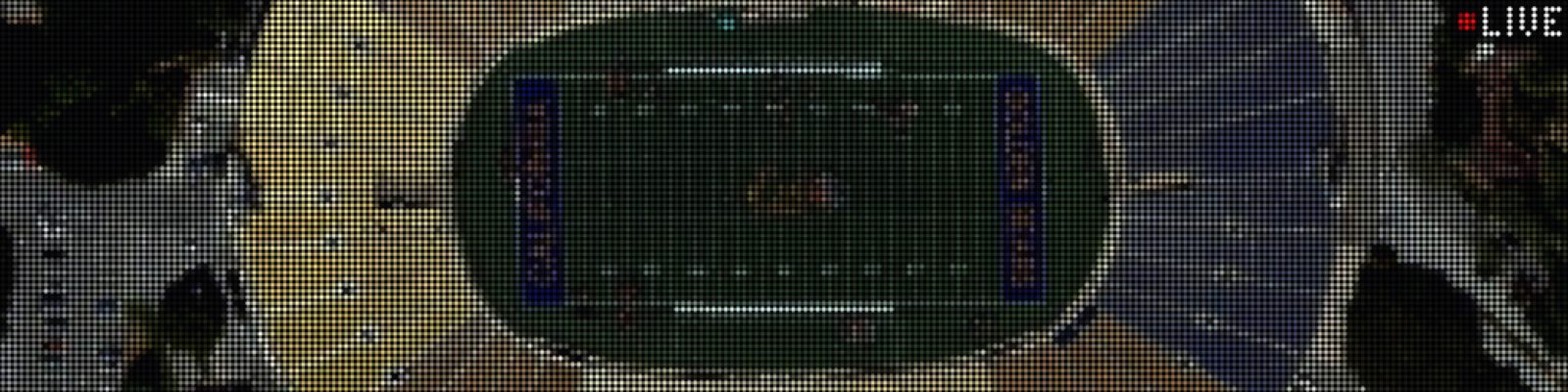
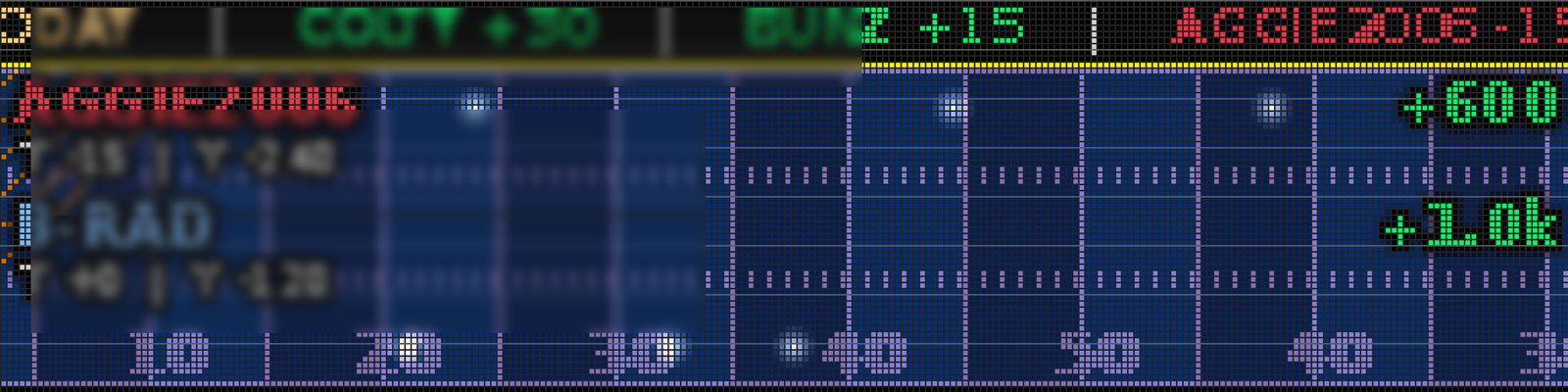
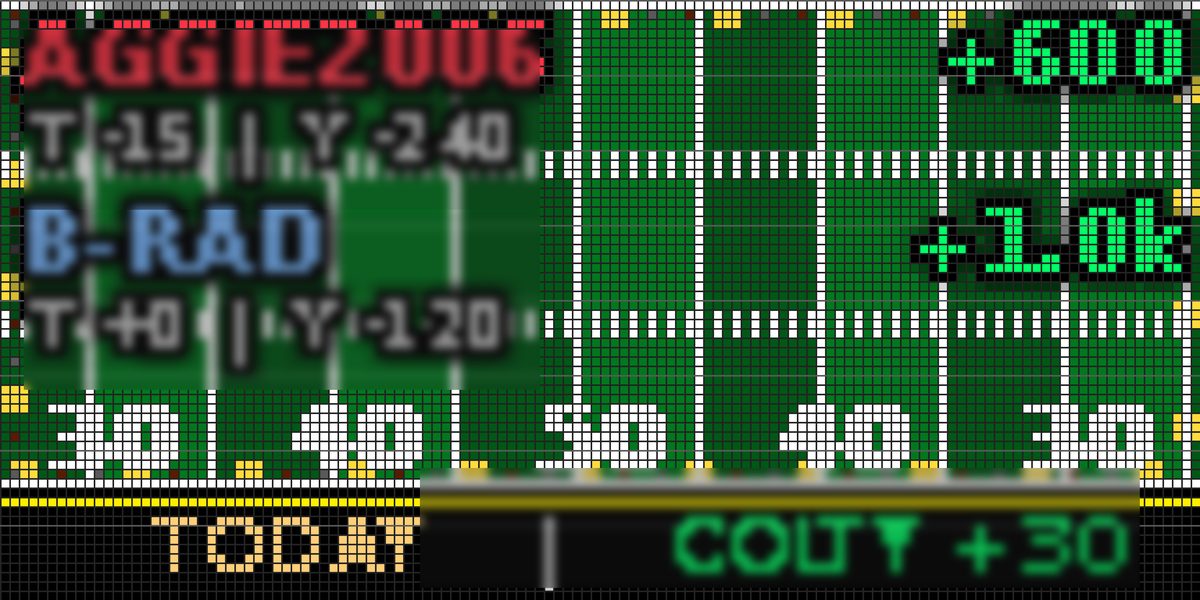

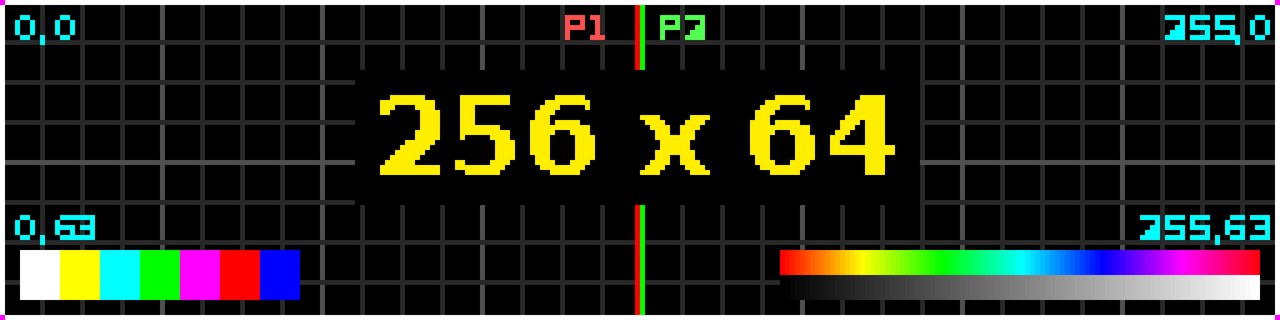
Facts from the Pi agent and display renderer — not marketing inventions. Anything still rolling out is marked coming soon.
The board broadcasts a setup network. Your phone’s captive-portal check usually opens the setup page automatically.
Pick your network, save, and link the board to the group account when prompted. The panel shows connected, then the ticker.
Scores and ticker updates land on the wall while friends use the app. Hardware interest? Note it on the waitlist.
Join the waitlist and tell us you’re interested in hardware. We’ll reach out as boards open up.
Join the waitlist